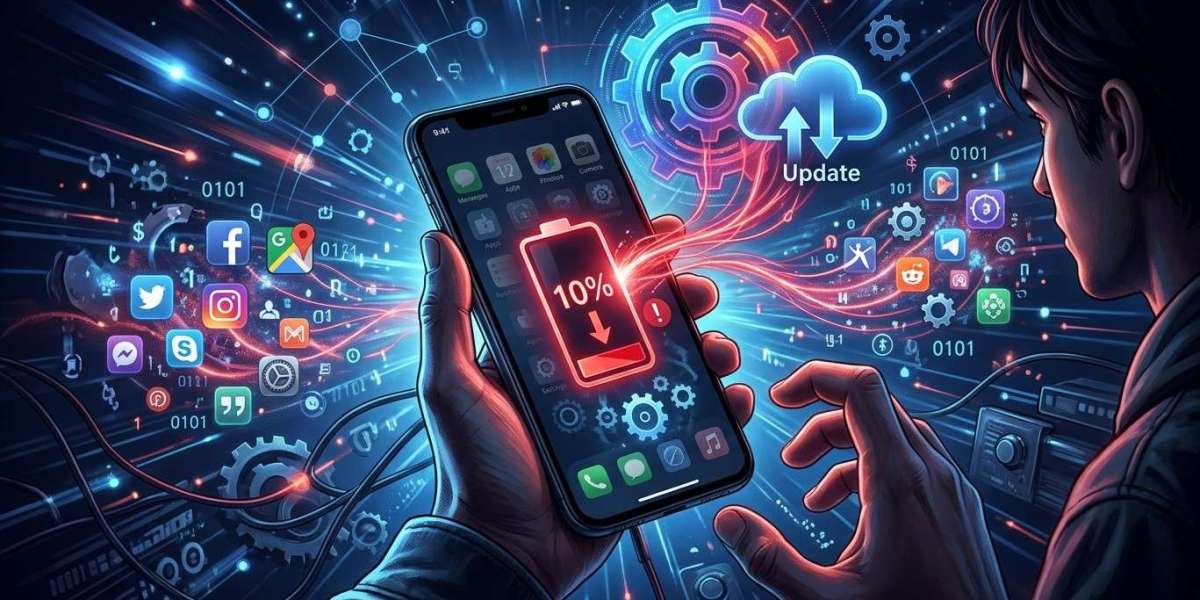

Have you noticed your smartphone battery draining faster than usual after installing a software update? This can be frustrating, especially when your phone previously lasted throughout the day. Software updates sometimes change background activity, system settings, and app behavior, which can temporarily increase battery consumption. MyRepairStore, www.myrepairstores.com, and MyRepairStore Indian Trail are useful resources for customers experiencing smartphone battery and charging problems and looking for professional repair solutions.
Table of Contents
Why Does Battery Drain Increase After an Update?
Common Reasons for Faster Battery Drain
How to Fix Battery Drain After an Update
When Is Battery Drain a Hardware Problem?
Tips to Maintain Better Battery Performance
Frequently Asked Questions
Contact MyRepairStore
1. Why Does Battery Drain Increase After an Update?
A software update can introduce new features, security improvements, and system changes. After installation, your phone may perform background tasks such as organizing files, updating applications, and synchronizing information.
These activities can temporarily increase battery usage. In many cases, battery performance improves once the phone finishes its background processes.
However, if the problem continues for several days, you may need to investigate other possible causes.
2. Common Reasons for Faster Battery Drain
Background Applications
Some applications may use more power after an operating system update. Apps running in the background can continue synchronizing data, refreshing content, and sending notifications.
Increased System Activity
Your phone may temporarily use additional power while completing post-update tasks. This can include indexing files, optimizing applications, and updating system information.
Changed Display Settings
Updates may change certain display settings or introduce features that increase power consumption. High screen brightness and longer screen timeout settings can also drain the battery faster.
Outdated Applications
Older applications may not work efficiently with a newly updated operating system. Compatibility issues can sometimes cause excessive battery usage.
Weak Network Connections
If your phone struggles to maintain a stable mobile network connection, it may consume additional power searching for a signal.
Aging Battery
Sometimes, an update simply makes an existing battery problem more noticeable. Older batteries naturally lose capacity, making it harder for them to support everyday phone activities.
3. How to Fix Battery Drain After an Update
Try these practical steps to identify and reduce unnecessary battery consumption.
Check Battery Usage
Open your phone's battery settings and review which applications consume the most power. If an application is using an unusually high amount, check its settings or update it.
Update Your Applications
Visit your device's official app store and install available application updates. Updated apps may include improvements for compatibility and battery efficiency.
Restart Your Phone
A simple restart can sometimes resolve temporary software problems and background processes.
Adjust Display Settings
Reduce screen brightness, shorten screen timeout, and disable unnecessary display features when you do not need them.
Check Background App Activity
Restrict unnecessary background activity for applications that do not need constant updates or synchronization.
Install Available Software Fixes
Check for additional updates from your phone manufacturer. Sometimes, follow-up updates address bugs or performance issues introduced by an earlier release.
4. When Is Battery Drain a Hardware Problem?
If your phone continues losing power quickly after trying basic troubleshooting steps, the problem may involve the battery or another internal component.
Look for warning signs such as:
Unexpected phone shutdowns.
Battery percentage dropping suddenly.
Unusual overheating.
Difficulty keeping the phone charged.
Battery swelling or physical changes to the device.
If you notice swelling or excessive heat, stop using and charging the phone and seek professional assistance. Do not attempt to open or repair the battery yourself.
A professional technician can inspect the battery, charging port, and related components to identify the actual cause.
5. Tips to Maintain Better Battery Performance
Follow these habits to help reduce unnecessary battery consumption:
Avoid exposing your smartphone to excessive heat.
Use compatible charging accessories.
Keep applications and software updated.
Review battery usage regularly.
Disable unnecessary background activities.
Reduce screen brightness when appropriate.
Avoid installing applications from untrusted sources.
These simple habits can help maintain better battery performance over time.
6. Frequently Asked Questions
Why does my phone battery drain after a software update?
Your phone may perform background tasks, optimize applications, and synchronize information after an update. These activities can temporarily increase power consumption.
How long does battery drain last after an update?
It varies by device and update. Battery usage may return to normal after background tasks finish. If the problem continues, investigate app settings, software issues, or battery health.
Should I reset my phone if the battery drains quickly?
A factory reset is not usually the first step. Try checking battery usage, updating applications, and adjusting settings before considering a reset. Back up important information before performing one.
Can an update damage my phone battery?
Software updates do not normally cause physical battery damage. However, software bugs or increased system activity can affect power consumption.
When should I replace my phone battery?
Consider professional inspection if your battery drains unusually quickly, shuts down unexpectedly, or cannot hold a charge. A technician can determine whether replacement is necessary.
7. Contact MyRepairStore for Professional Phone Repair
Fast battery drainage after a software update may be caused by background applications, changed settings, software compatibility issues, or an aging battery. Identifying the correct cause can help you choose the right solution instead of replacing components unnecessarily. MyRepairStore, www.myrepairstores.com, and MyRepairStore Indian Trail offer a starting point for customers exploring professional smartphone repair options.
Visit www.myrepairstores.com to explore available repair services and get assistance with your smartphone battery concerns.